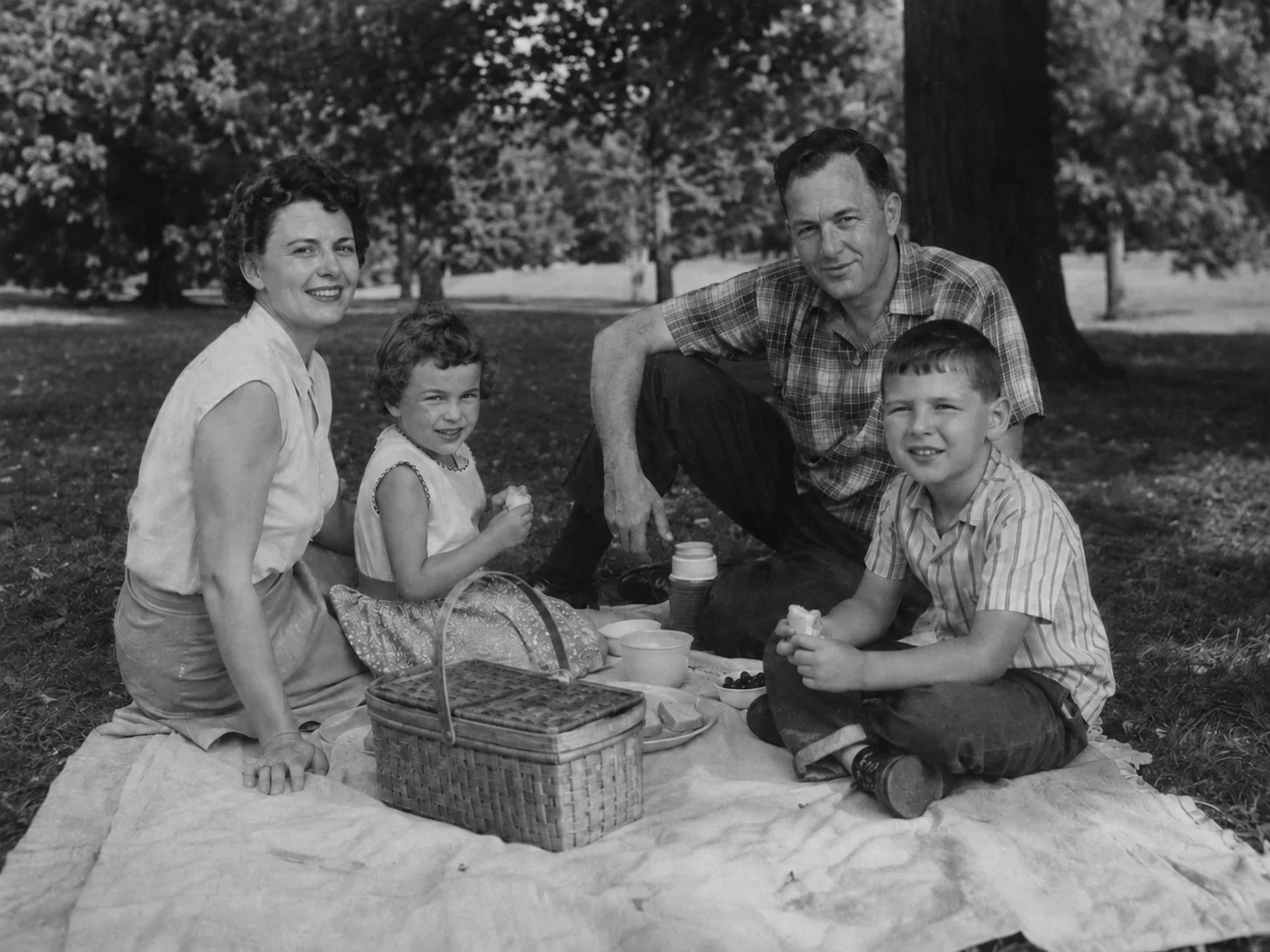
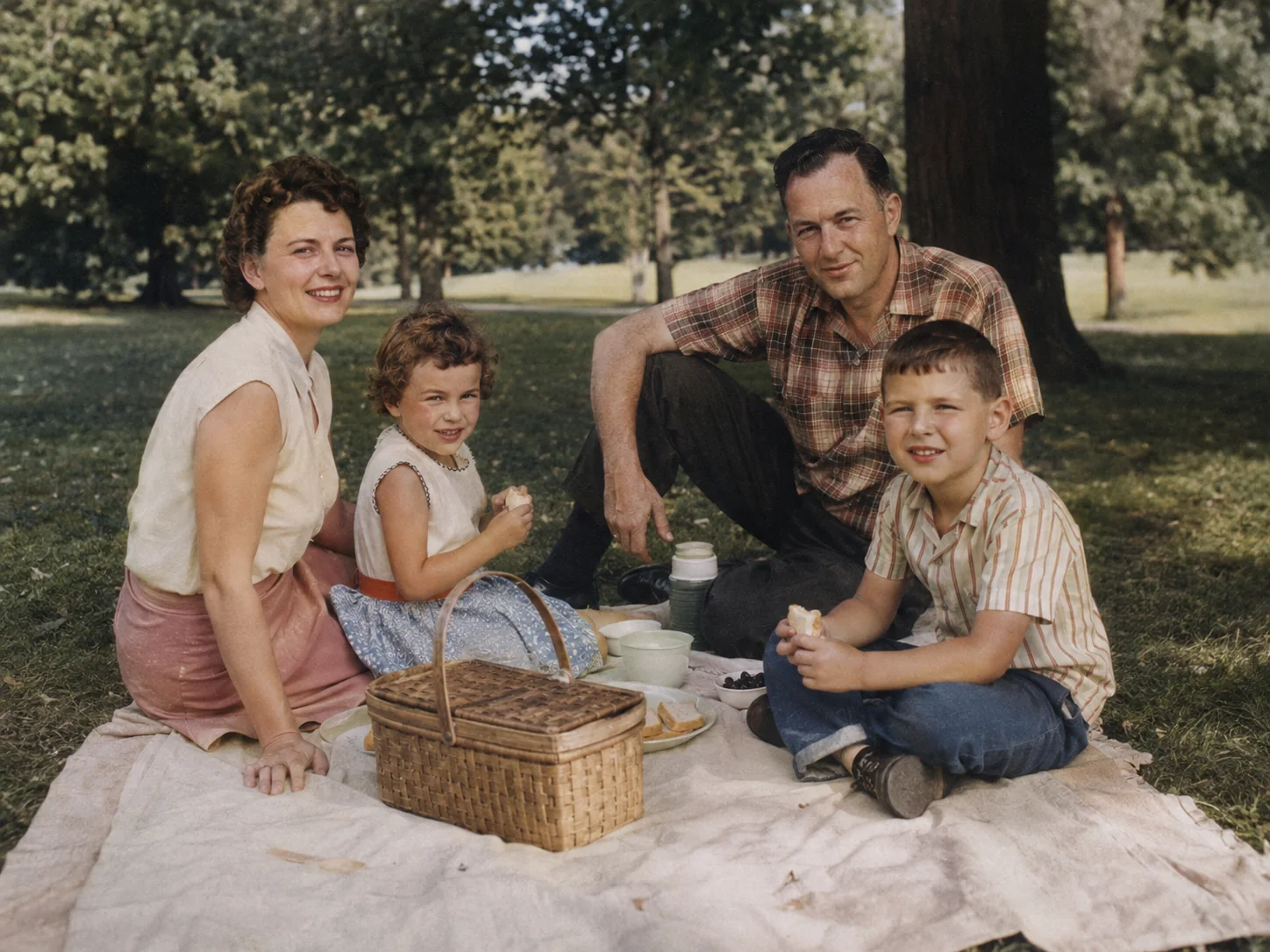
FAMILY PICNIC
Muted color brings personal details into view
Natural skin, clothing, basket, and park tones make the memory easier to read while preserving its mid-century character.
Turn a black-and-white, grayscale, faded, or old photo into a naturally colorized version. Retouva adds plausible color while prioritizing the people, composition, and character of the original image.
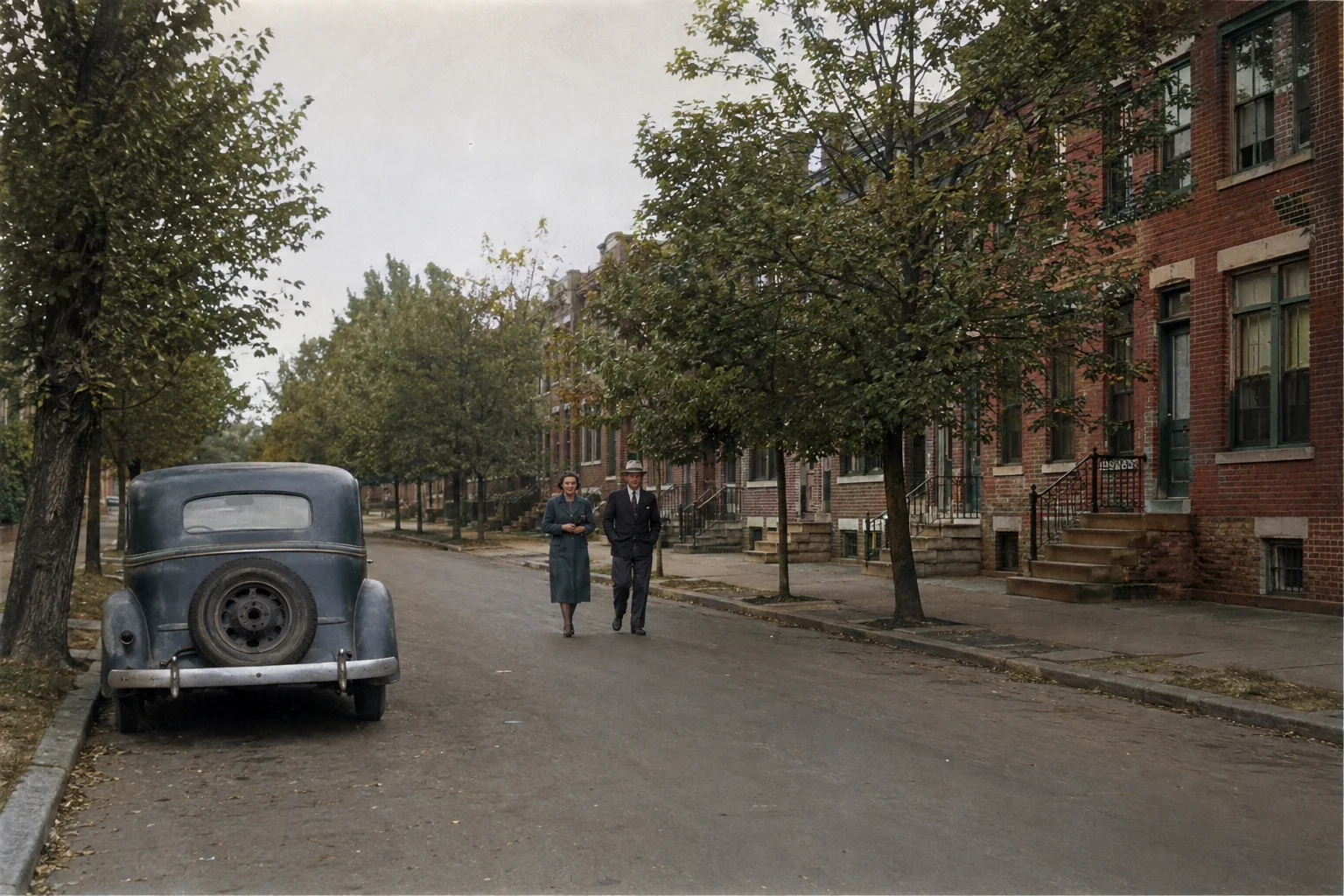
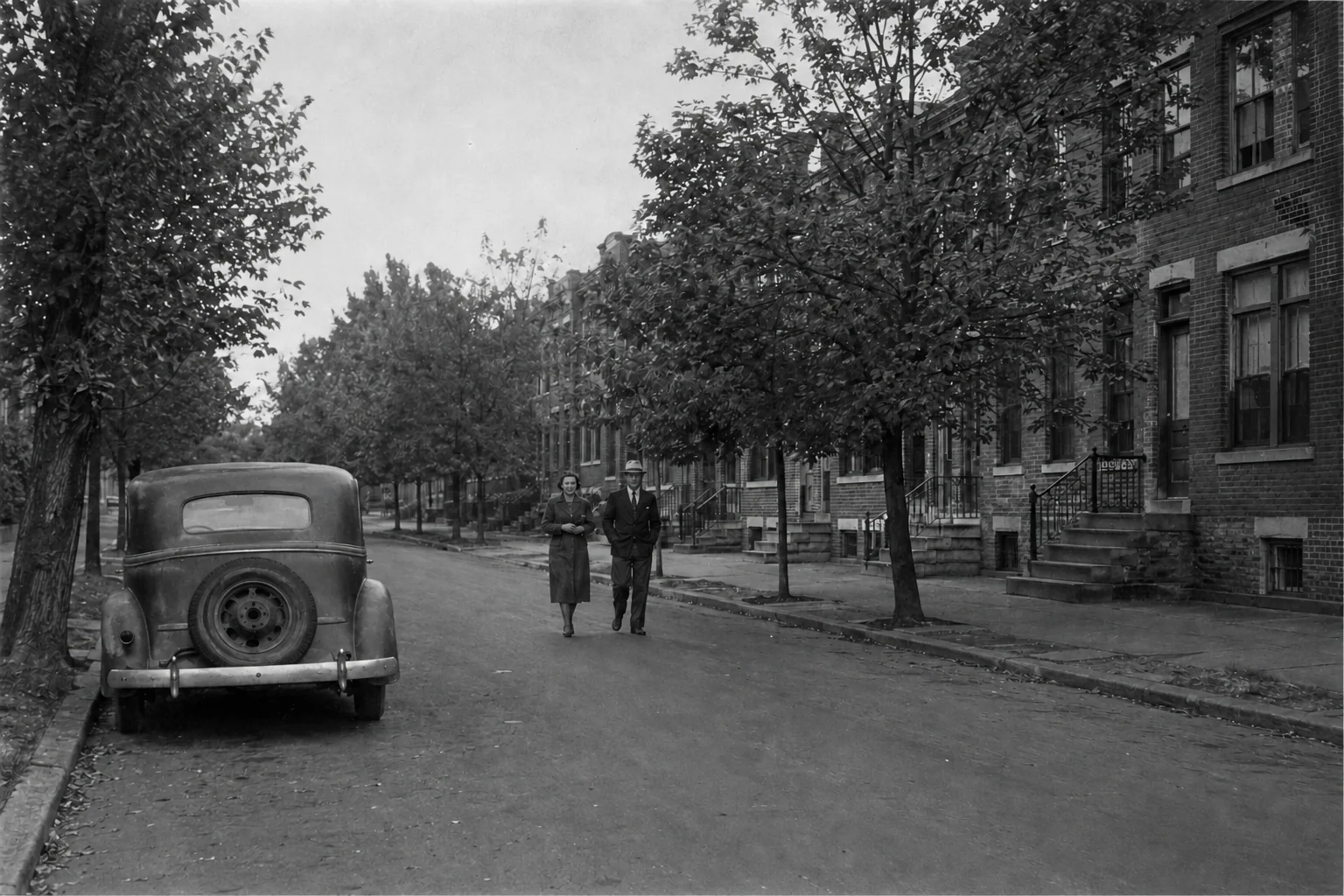 BeforeAfter
You do not need masks, layers, or manual painting. Retouva handles the colorization automatically.
Choose a clear black-and-white, grayscale, sepia, faded, or old photo. A clean scan or evenly lit capture gives the model more useful detail.
Select Color, choose JPG, PNG, or WebP, and add optional notes when you want a restrained or era-conscious look.
Run the colorizer, drag the before-and-after control, inspect important details, and download the version you want to keep.
Each comparison keeps the same person, framing, clothing, and background. Results vary with the detail and context available in the source.
Natural skin, clothing, basket, and park tones make the memory easier to read while preserving its mid-century character.
Brickwork, foliage, pavement, clothing, and a period car provide visual context, while every generated color remains an interpretation.
Convert black and white to color online, then compare the generated version against the original source of truth.
Add plausible color to a monochrome photo automatically while keeping the original available for comparison.
Create a restrained color interpretation of portraits, weddings, childhood pictures, and vintage prints.
Infer believable tones for skin, hair, clothing, furniture, sky, foliage, and other visible elements.
Use a straight, well-cropped scan with clear subject boundaries and as little compression as practical.
Old family memories, formal portraits, scans, and wider scenes can all benefit when the source contains clear visual context.
Automatic colorization, visible comparisons, clear free-use terms, and honest limits keep the workflow understandable.
No masks, layers, brushes, or advanced photo-editing skills are required.
A keyboard-operable before-and-after control helps you review faces, composition, clothing, and details.
Try one photo daily without logging in and download a watermark-free 1K result.
Both approaches are useful, but they solve different accuracy, speed, and control needs.
Fast and accessible for a plausible interpretation of common personal photos.
A colorist can research uniforms, materials, places, and period references, then control colors region by region.
A grayscale photo does not contain exact original color values. Retouva predicts plausible colors from visual context; it does not reveal hidden historical color data.
For archival, legal, museum, or scholarly work, preserve the original and consult reliable references or a professional colorist.
Retouva processes your upload and selected settings to create and deliver the result.
Clear answers about workflow, free use, supported files, accuracy, scans, privacy, and retention.
Upload a clear JPG, JPEG, PNG, WEBP image, choose Color mode, and select Colorize Photo. Compare the result with the original, then download it as JPG, PNG, or WebP.
Yes. AI can add plausible color to many old, grayscale, sepia, and black-and-white photos. It works best when faces, clothing, objects, and background boundaries are still clear.
No. A grayscale image does not contain the exact original color values. AI predicts plausible colors from visual context, so details may differ from the original scene.
Not necessarily. They may look believable, but they are not verified historical facts. Use archival references or a professional colorist when exact colors matter.
Retouva may infer plausible skin tones from the visible face, lighting, and surrounding scene. Results depend on source quality and context, so inspect faces and hands carefully.
Yes. For better results, use a straight, evenly lit, well-cropped scan with enough resolution to show faces, clothing edges, and background objects.
Yes. Retouva colorizes the photo automatically, so you do not need masks, layers, brushes, or advanced editing skills.
You can colorize 1 photo per day without logging in. The free result is 1K and has no watermark. When signed in, each colorization uses 2 credits.
Retouva accepts JPG, JPEG, PNG, WEBP files up to 20 MB. You can download the result as JPG, PNG, or WebP.
Retouva prioritizes recognizable identity and the original composition, but AI can still estimate or alter unclear details. Compare the result with the original before keeping it.
No. Retouva does not use uploaded photos to train AI models.
Uploaded photos and generated results may be stored for up to 30 days. You can delete your photos sooner, although cached copies may take additional time to expire.
Upload a black-and-white or old photograph, run Color mode, compare it with the original, and download the version you want to keep.
No login required · 1K download · No watermark