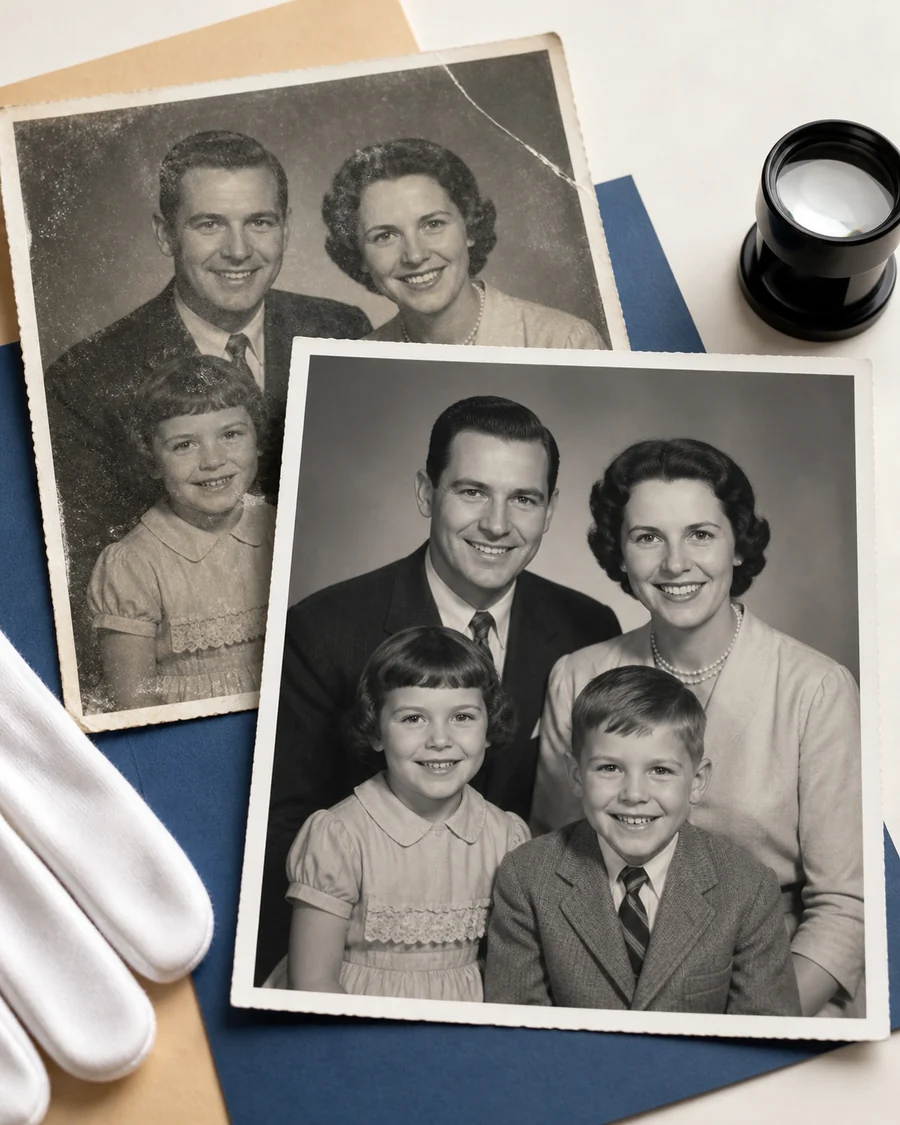
Free AI Photo Restoration Online

Restore old, blurry, faded, or damaged photos with AI. Repair scratches, recover facial detail, improve clarity, and bring meaningful memories back to life.

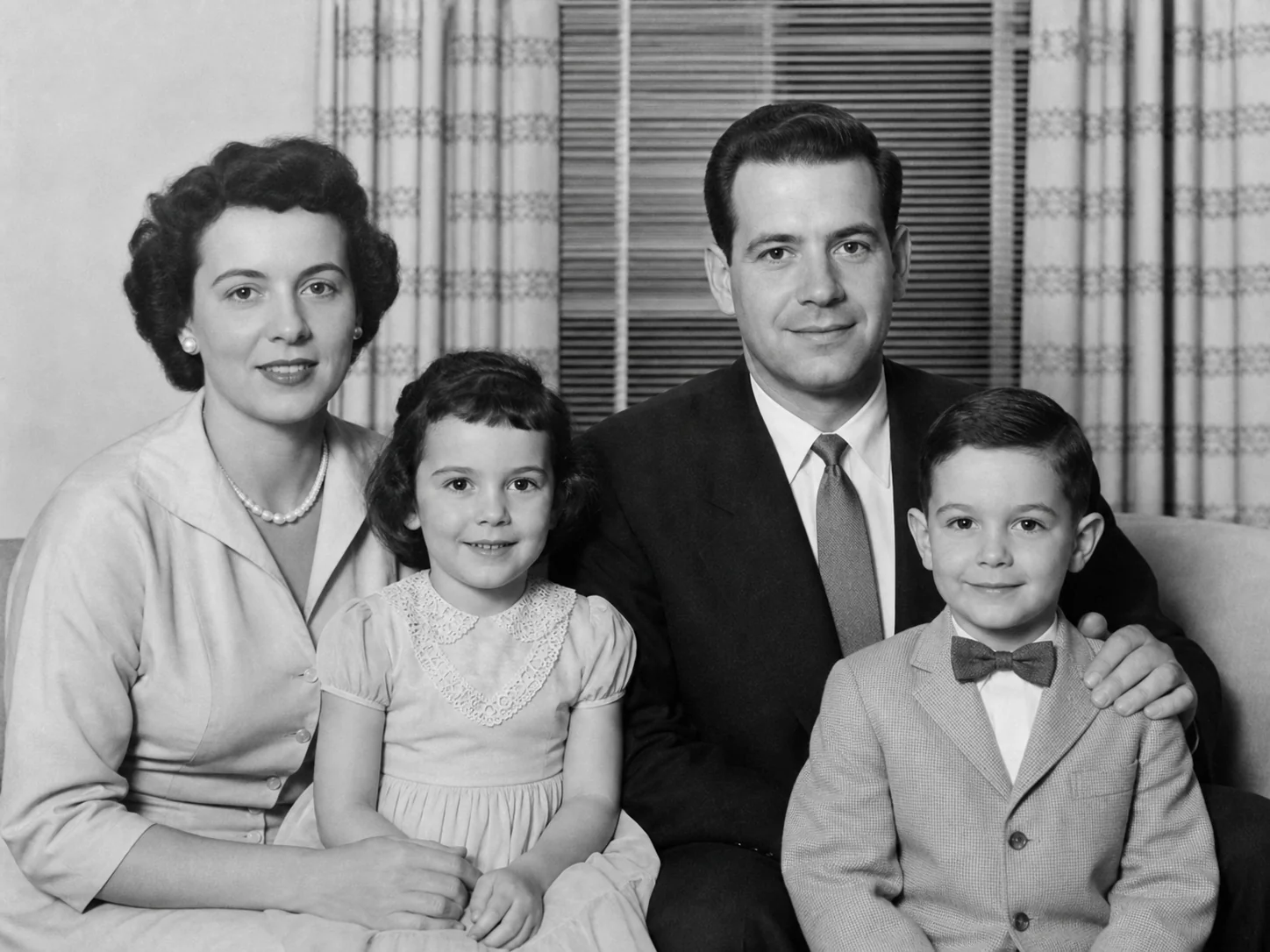
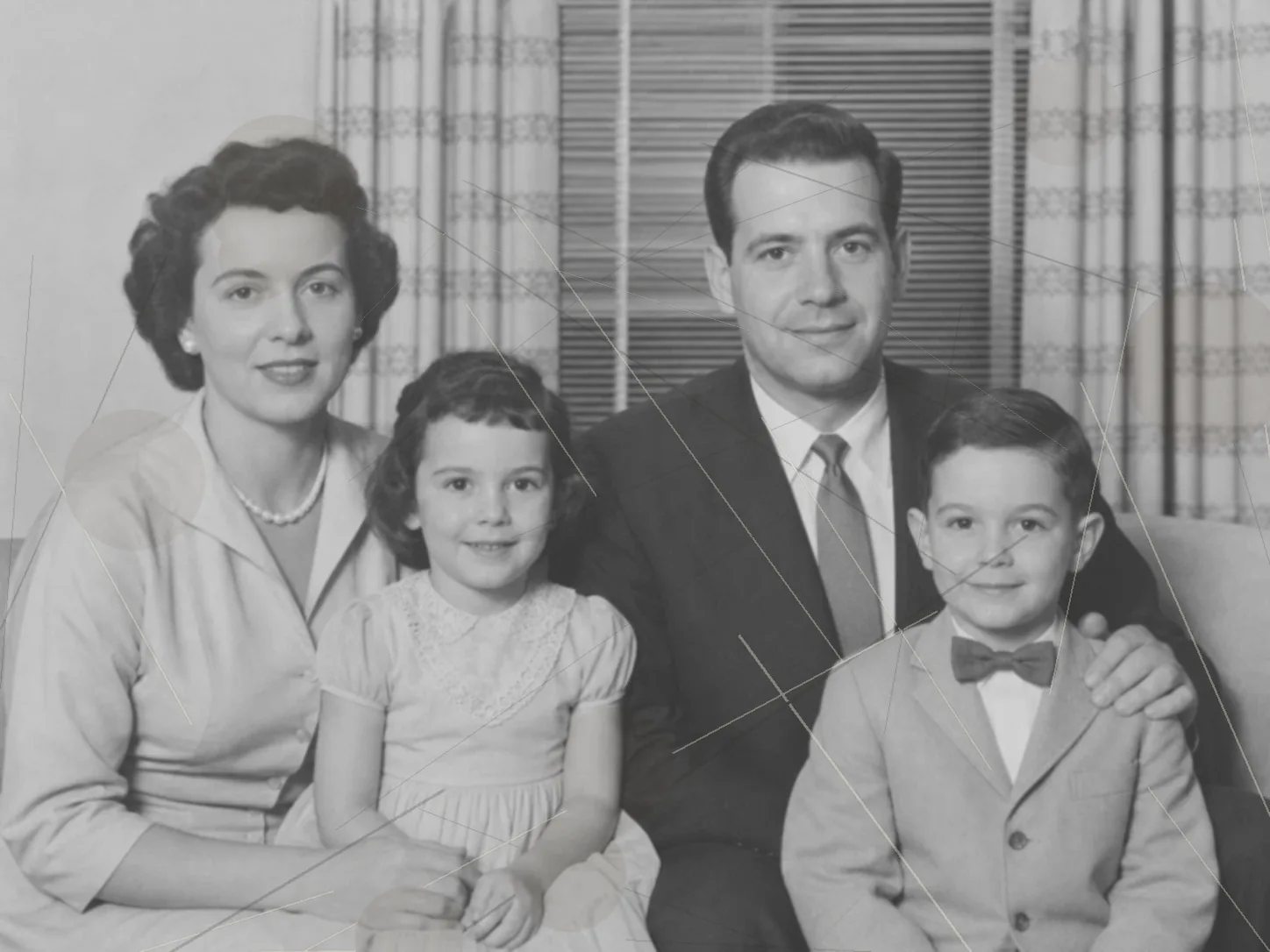
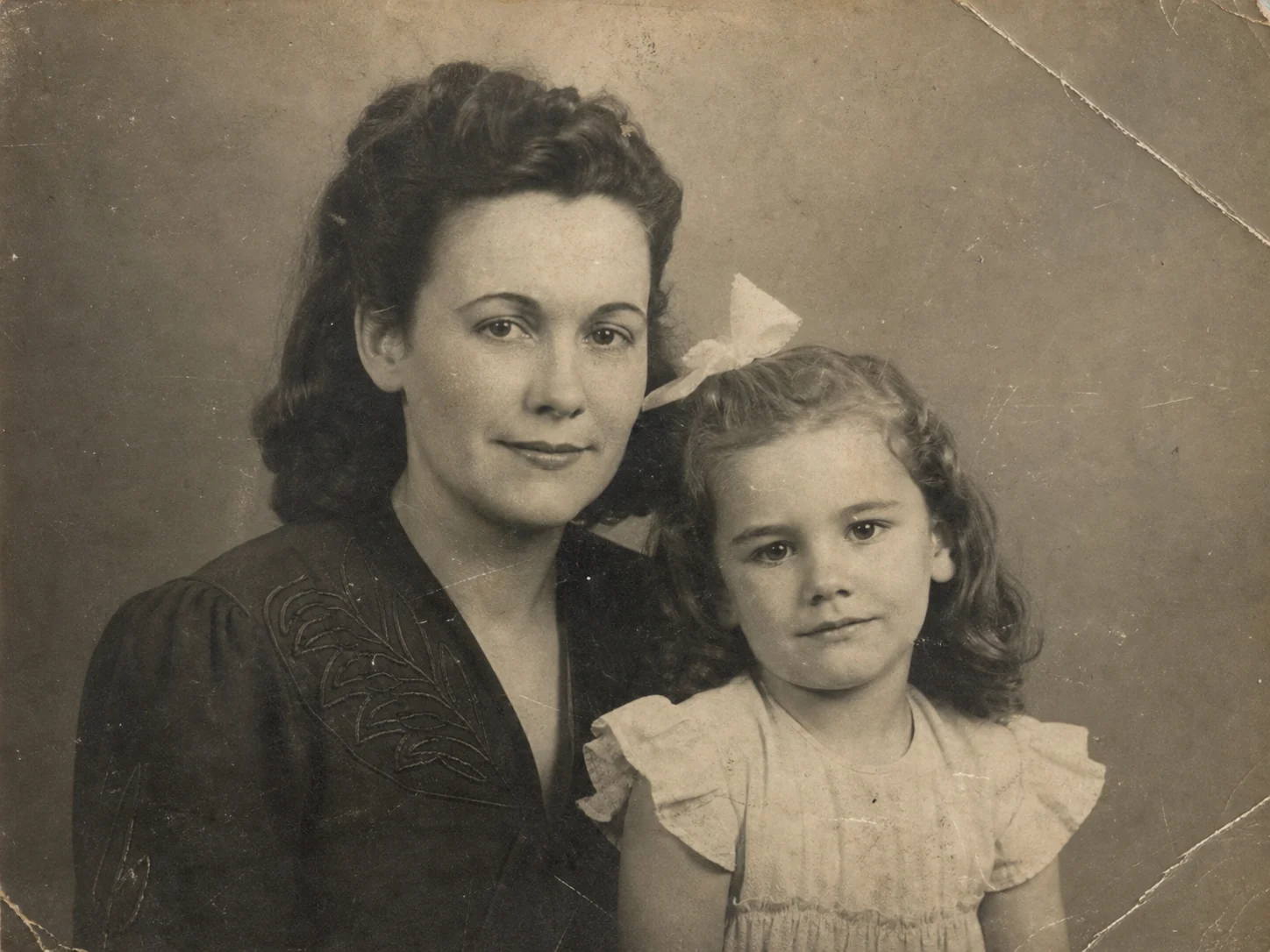
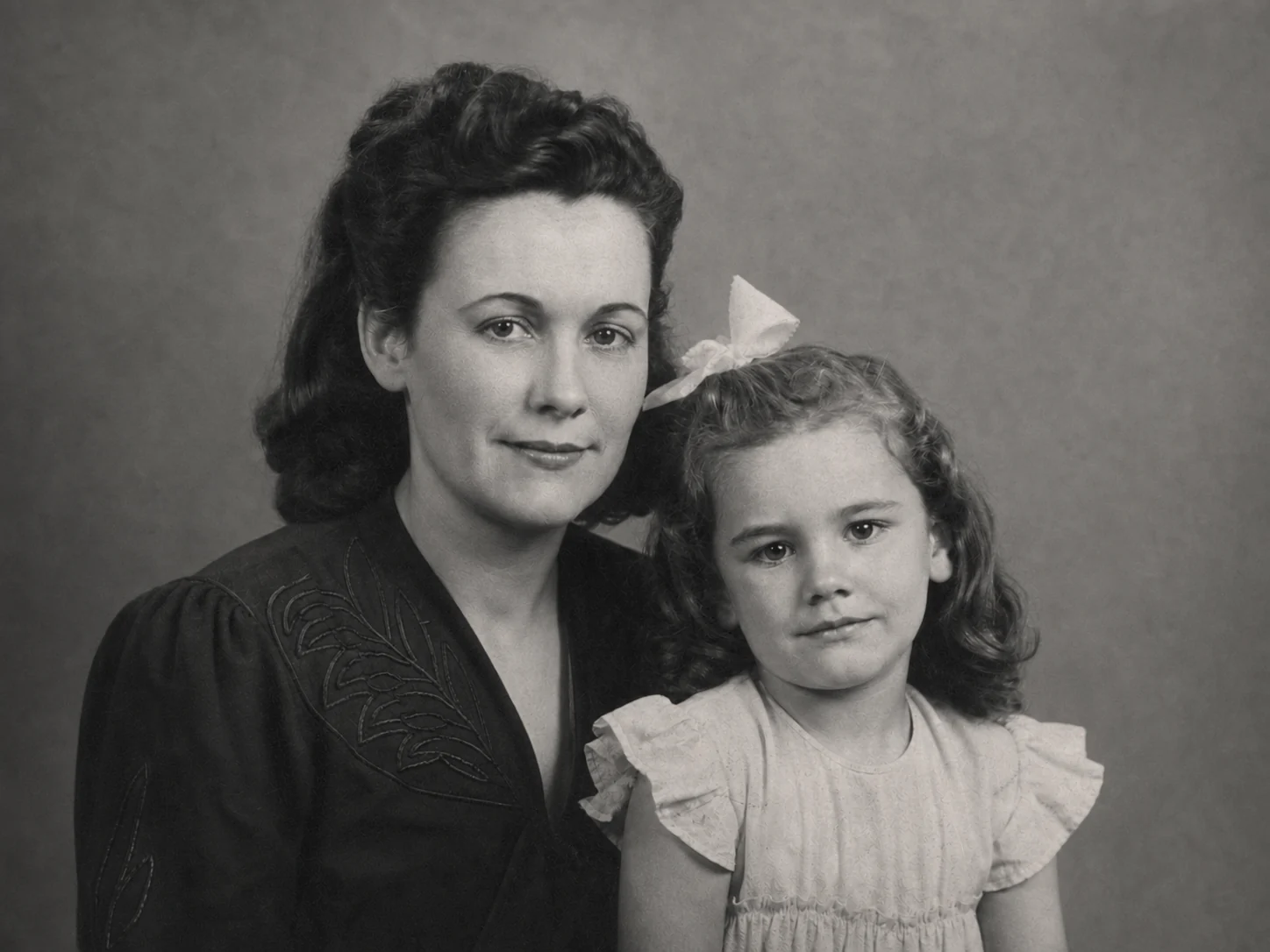
Restored family portrait after AI photo restorationDamaged family portrait before AI photo restorationBeforeAfter
Output FormatPNGJPGWEBP
SecureFastAI Restored
1FREE RESTORE DAILY
1KWITHOUT WATERMARK
NOLOGIN REQUIRED
RESTORATION EXAMPLE

Restore Old, Faded, or Damaged Photos

Compare one clearly labeled example and see what changed. Results vary with the damage, resolution, and detail available in the original photo.

Damaged black-and-white family portrait before AI restoration
BeforeScratches, fading, dust, and low contrast
The same family portrait after scratches and fading were reduced with AI restoration
AfterCleaner damage, revived contrast, and clearer faces
WHAT RETOUVA CHANGES

Repair visible damage while keeping the photo recognizable

Original issue
Surface marks, faded tones, weak contrast, and softened facial detail.
AI treatment
Reduce scratches and dust, restore tonal range, and improve visible detail.
Important limit
Missing or severely blurred detail may be estimated rather than recovered exactly.

Every photo is different. Review faces, text, jewelry, and historical details before printing or archiving a restored result.
ONE SIMPLE WORKSPACE

One Upload. A Clearer, More Natural Photo.

Choose the kind of improvement your photo needs without complicated editing software.

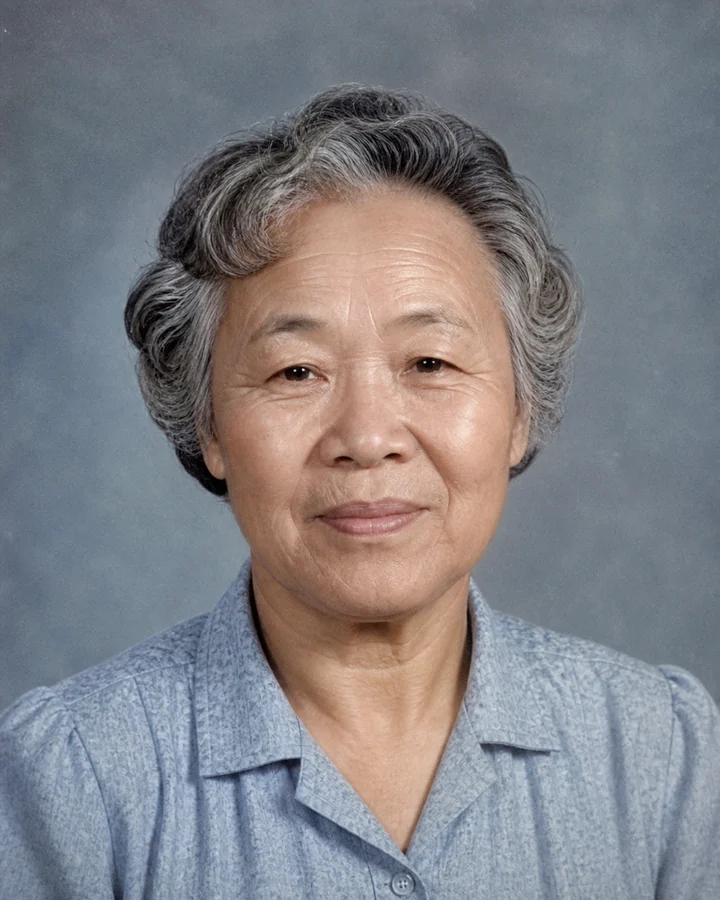
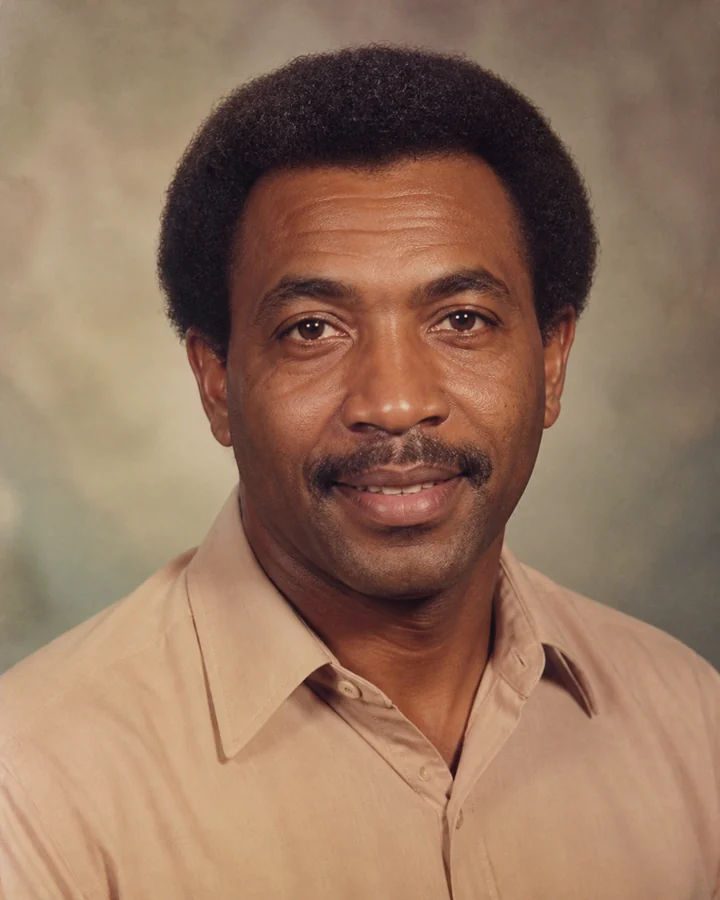
  • Restore QualityRecover clarity and visible detail from blurry, noisy, pixelated, or compressed photos.
  • Restore FacesImprove facial detail while prioritizing natural texture and recognizable identity.
  • Repair DamageReduce scratches, creases, stains, fading, and other visible photo damage.
  • Restore ColorRevive faded tones or add a natural color interpretation to black-and-white photos.

Old and modern photos are welcome. Retouva is designed for everyday portraits, family memories, scans, downloads, and prints.

IDENTITY PRESERVATION

Restore Details Without Replacing Reality.

Some AI tools over-smooth skin or recreate faces that no longer look like the original person. Retouva prioritizes recognizable identity, natural texture, and a faithful-looking restoration.

Always keep the original alongside the restored version.
01Restored portrait that keeps recognizable facial identity Carefully restored
RECOGNIZABLE IDENTITY

Preserve facial identity

Retouva improves visible facial detail while prioritizing the features that make the person recognizable.

02Restored portrait with natural-looking skin and photo texture Carefully restored
NATURAL DETAIL

Maintain natural texture

The restoration aims for believable detail instead of plastic skin, aggressive sharpening, or an artificial finish.

03Faithful-looking photo restoration without excessive beautification Carefully restored
FAITHFUL-LOOKING RESULT

Avoid excessive beautification

Retouva restores photo quality without redesigning the subject, replacing reality, or changing who they are.

AI may estimate details that are missing or severely damaged. For historical, legal, or archival use, always keep the original photo alongside the restored version.

HOW TO USE

Restore a Photo in Three Simple Steps

No complicated editing tools. Upload a photo, let Retouva repair it, then compare and download the result.

  1. 01

    Upload Your Photo

    Choose a blurry, faded, damaged, or low-quality photo from your device.

  2. 02

    Let Retouva Restore It

    AI analyzes the image, repairs visible problems, and recovers clarity and detail automatically.

  3. 03

    Compare and Download

    Review the before-and-after result and download your restored photo.

Damaged family print beside a carefully restored version of the same portrait
AI-restored photo
Original preservedDetails recovered
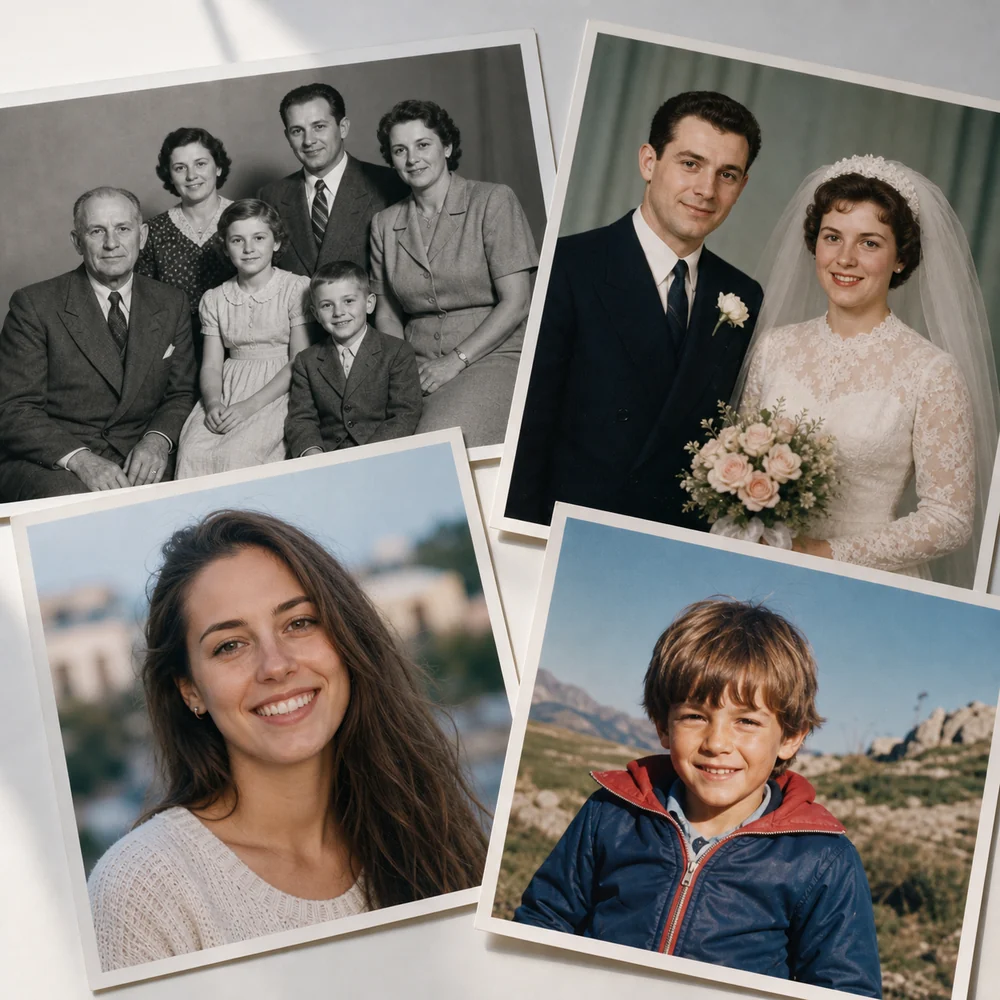
Photo restoration examples for family, wedding, portrait, and childhood photographs
Old or new, worth restoring
USE CASES

Restore Photos from Any Moment

Retouva works with modern and old photos—from compressed online images to faded prints you want to share or preserve.

  • Portraits and selfiesImprove blur, noise, and visible facial detail.
    01
  • Family photosRevive meaningful memories without redesigning them.
    02
  • Scanned and printed photosRepair fading, scratches, creases, and stains.
    03
  • Vintage photosRestore monochrome detail or add a natural color interpretation.
    04
METHOD & LIMITS

What AI Can — and Cannot — Restore

Retouva improves visible detail and repairs common damage. It cannot recover information that no longer exists with guaranteed accuracy.

Good candidates for AI restoration

  • Scratches, dust, small creases, and light surface damage
  • Faded color, weak contrast, noise, and mild blur
  • Soft facial detail when recognizable information remains
  • Scanned photos and everyday pictures that need clearer detail

Severe damage may require estimation

When a photo contains extreme blur, hidden faces, illegible text, or large missing areas, AI may reconstruct details that were not present in the original.

Color is an AI interpretation

Generated color can make a black-and-white or faded photo easier to enjoy, but it should not be treated as verified historical color.

Review important details

Before printing or archiving, zoom in on faces, text, uniforms, jewelry, and historical details. Always keep the original photo with the restored version.

PRIVACY, MADE CLEAR

Your Photos Stay Private

Privacy should be easy to understand, especially when a photo contains faces and personal memories. Here is how Retouva stores, deletes, and uses your uploads.

Dedicated Privacy, Terms, and Refund pages will be linked when they are published.

30-day retentionUploaded photos may be stored for up to 30 days.
Delete your photosYou can delete your own photos when you no longer want them stored.
Not used for trainingRetouva does not use your uploaded photos to train AI models.

CDN caches can take additional time to expire, so deletion may not make a file unavailable immediately.

COMMON QUESTIONS

Frequently Asked Questions

Clear answers about restoration results, free credits, supported photos, privacy, and deletion.

Choose a question to see the answer.

AI photo restoration uses machine learning to improve visible damage and low-quality details. It can reduce noise, soften scratches and fading, improve mild blur, and restore or estimate color.

BRING THE DETAILS BACK

Bring Your Photo
Back to Its Best

Restore 1 photo per day without logging in and download a 1K result without a watermark.

See examples
  • 1 free restoration daily
  • No login required
  • 1K without watermark